
Custom Scenes.
Total Creative Control.
Describe any scene you can imagine, attach bundles of your own people, characters, logos, places, clothes, and products — and watch the AI compose a photorealistic 4K image that's unmistakably yours. Combine multiple Person Bundles for couples shots, group photos, and team portraits. Apply AI refinements and filters, then convert any image to video.
What was once reserved for Glowup Pro is now a core part of every Glowup account. No extra subscription required.
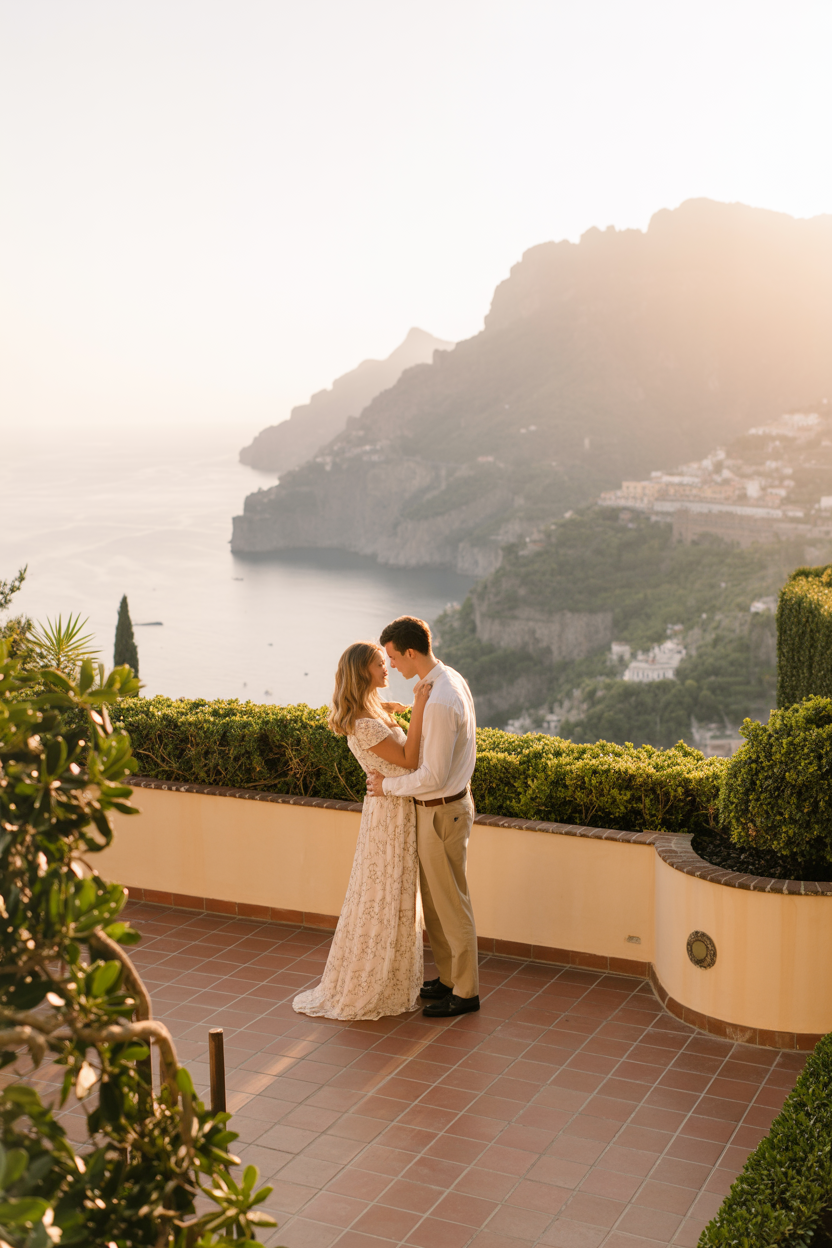
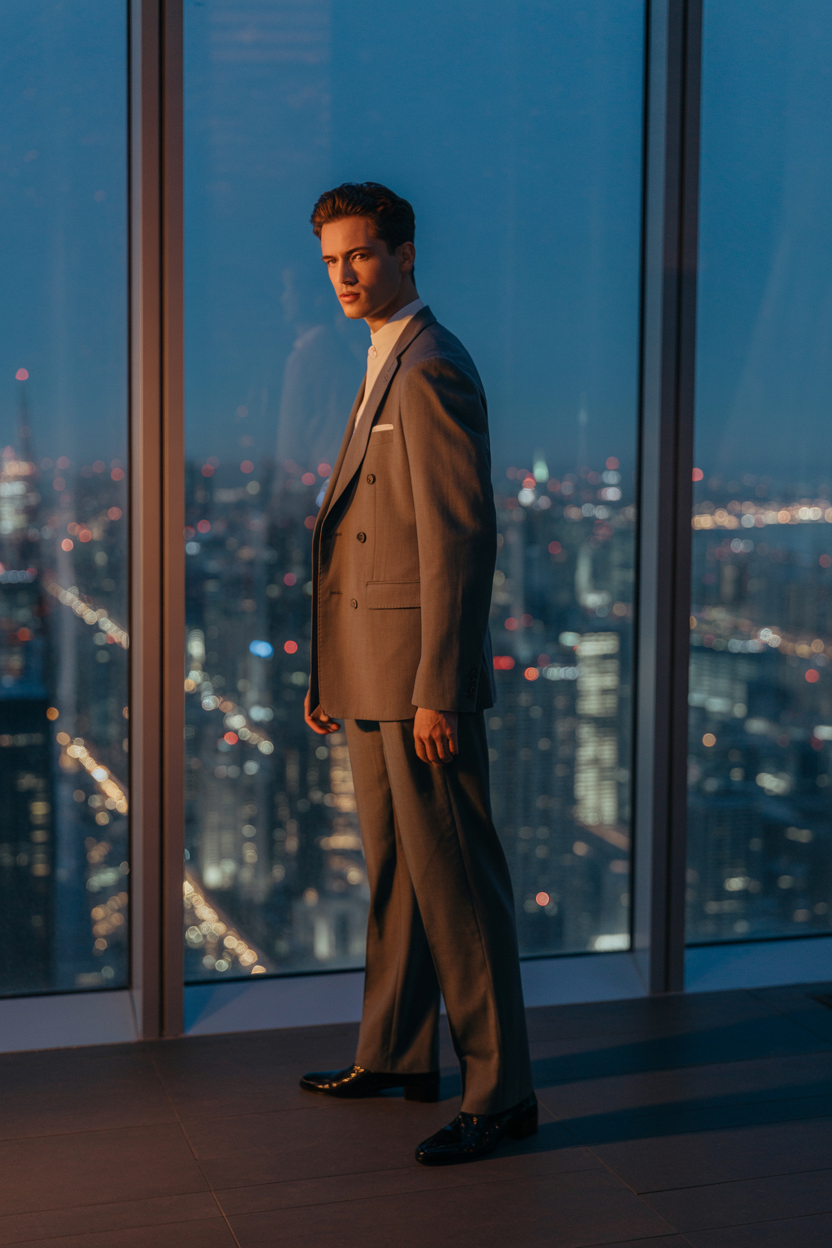
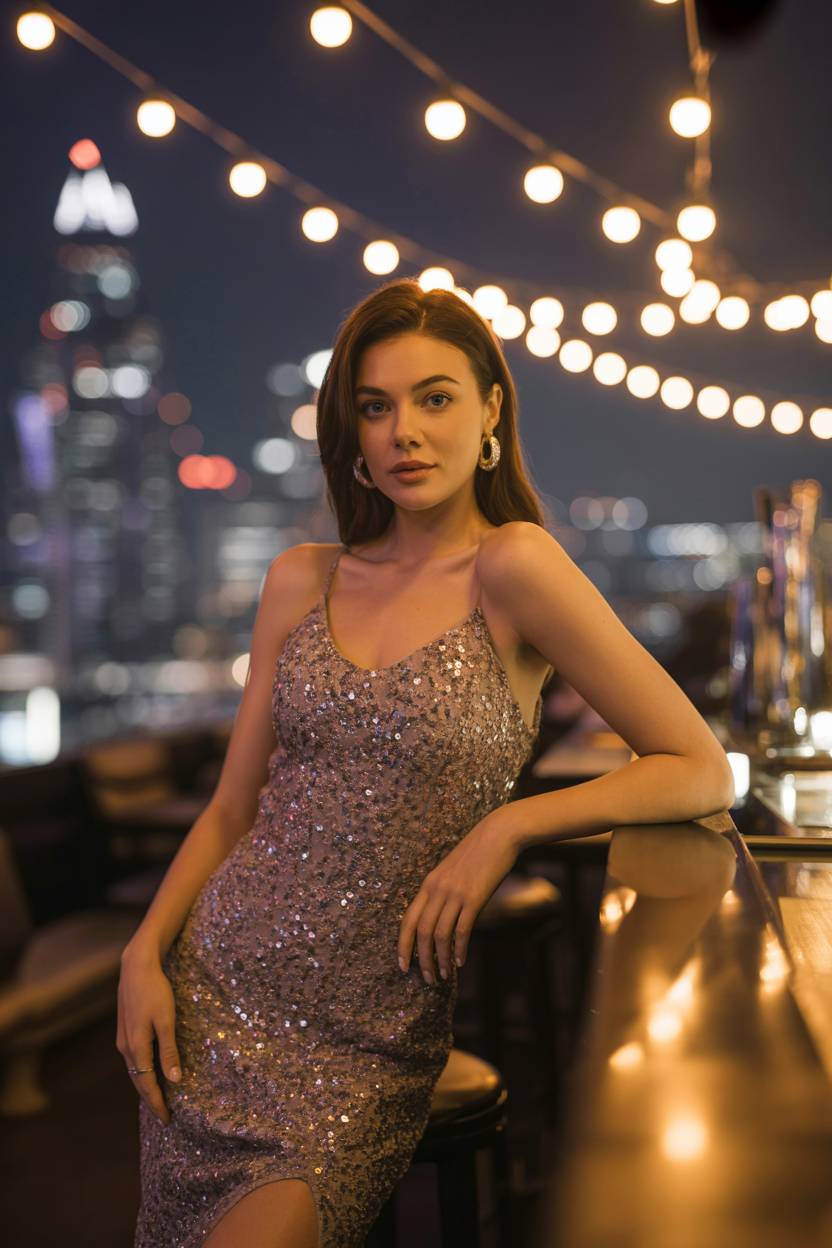
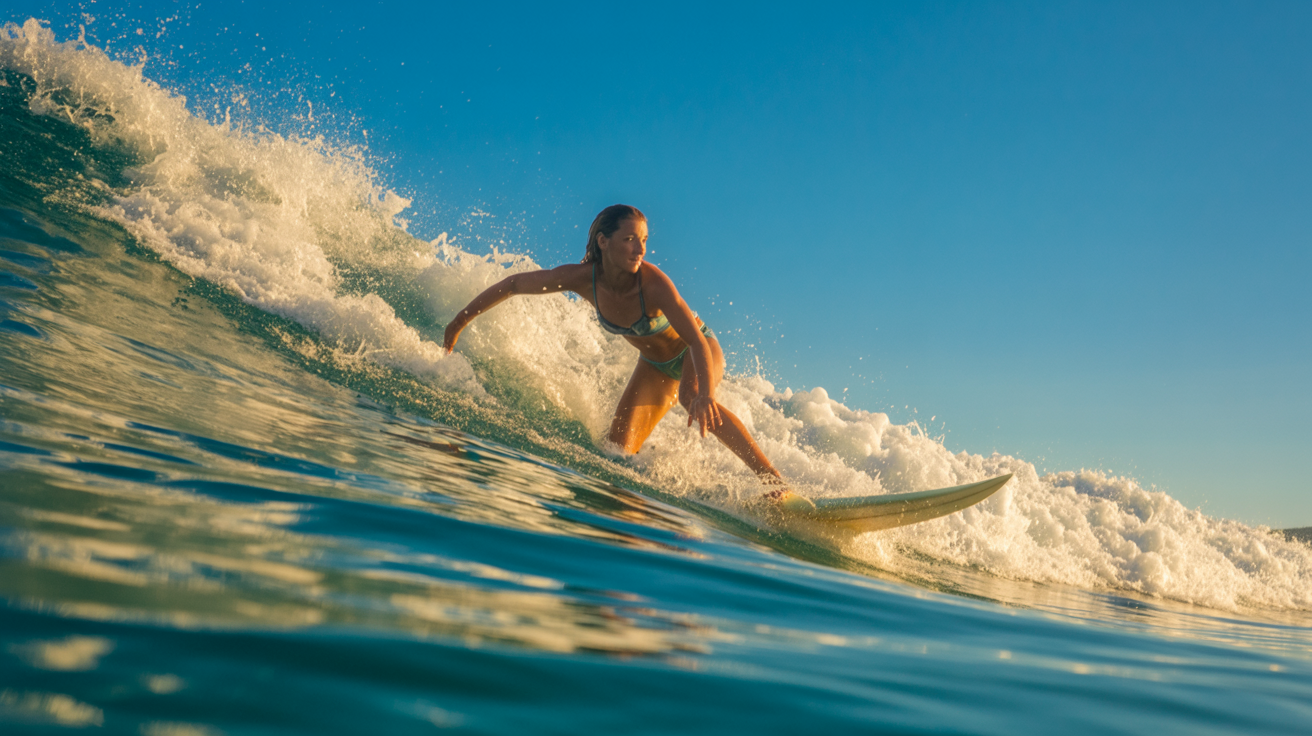
How Custom Scenes Work
Three steps. Zero photography skills needed.
Create Your Bundles
Upload reference photos for each person, character, logo, place, clothing item, or thing you want to use. Our AI trains a lightweight model for each bundle in minutes.
Describe Your Scene
Write a natural-language prompt describing exactly what you want — the setting, the mood, the action. Attach one or more bundles to bring your own references into the shot. Add multiple people for group scenes, couples portraits, or team photos.
Generate, Refine & Convert to Video
Hit generate. In seconds you'll have a photorealistic 4K image that composites your bundles into the scene. Apply AI refinements, photo filters, adjust aspect ratio, or convert any result to video.
See the Difference
Same person, same AI — but with Custom Scenes you control the entire composition.
Pixel-Perfect Identity
Your face, your body, your exact clothing — reproduced faithfully in a brand-new environment.
Prompt-Driven Composition
Describe the lighting, the pose, the background. The AI interprets your words into cinema-quality shots.
Mix & Match Bundles
Combine a person, a location, and a product in a single prompt. Infinite creative combinations.
Six Bundle Types, Infinite Possibilities
A bundle is a reference pack the AI learns from. Upload photos, and the AI memorises the subject so it can place it in any scene.
Person Bundle
Upload 3+ photos of yourself or someone else. The AI learns facial features, skin tone, body type, and expressions. Add multiple Person Bundles to a single scene for couples shots, friend groups, family portraits, or team photos.
“A portrait on a sunlit terrace overlooking Santorini”
Character Bundle
Mascots, creative creatures, brand personas — anything that isn't a real person. Ideal for new product or campaign launches where normal AI would have no idea what you're talking about.
“Your brand mascot posing with your product at a trade show”
Logo Bundle
Upload your logo, wordmark, or brand icon. The AI learns it and places it accurately on products, signage, merchandise, packaging, and more — pixel-perfect brand placement in any scene.
“Your logo on a billboard in Times Square at sunset”
Place Bundle
Upload photos of a specific location — your studio, a café, a rooftop. The AI faithfully reproduces that environment, lighting included, so your scene feels grounded in a real space.
“Your favourite coffee shop, perfectly recreated”
Clothing Bundle
Upload photos of a garment or outfit. The AI matches the fabric, fit, and colour exactly — no more guessing how it will look on camera.
“Your new collection styled on a model in Times Square”
Thing Bundle
Upload photos of a product, prop, or object — a perfume bottle, a guitar, a pair of sneakers. The AI places it perfectly in any scene.
“Your product floating in a cloud of petals”
What You Can Create
Custom Scenes unlock creative possibilities that were impossible — or absurdly expensive — with traditional photography.
Product & Campaign Launches
Use Character bundles for mascots and brand personas that normal AI has never seen. Perfect for launches where you need consistent imagery of something entirely new.
Influencer Content Packs
Generate a week's worth of on-brand 4K photos and videos in minutes. Swap locations, outfits, and moods per post.
Product Campaigns
Drop your product into cinematic environments. Lifestyle shots, flat-lays, and hero images — all from reference photos. Convert any to video.
Multi-Person Scenes
Couples shoots, family portraits, friend groups, team photos — add multiple Person Bundles to a single scene and the AI places everyone naturally.
Brand Ambassador Shoots
Pair a person bundle with a product bundle and generate collab-style imagery at scale. Apply AI refinements and filters for the perfect look.
Real Estate & Interiors
Re-stage a place bundle in different decor styles or seasons. Show buyers what could be.
Fashion Look-books
Pair clothing bundles with models and locations. Generate an entire collection shoot in an afternoon. All output is 4K.
Simple, Credit-Based Pricing
No subscription tier required. Buy credits, use them when you want.
Generate Scene
1 credit per bundle
Attach more bundles, pay more
Unlock Image
2+ credits
Remove watermark (scales with bundles)
Refinement
1 credit
Tweak prompt & regenerate
Video Generation
3 credits
Animate any generated image
CineGlow — Full Cinematic Experiences
Go beyond single images. CineGlow will let you storyboard entire cinematic sequences — multi-scene videos with transitions, camera movements, and your Custom Scene bundles woven throughout. Stay tuned.
Your Imagination. Your Bundles. One Click.
Stop settling for generic AI images. With Custom Scenes, every output is built from your references — real people, real places, real products.
Get Started Free